Where is the pump? Who called for help?ATLAS knows. Right now.
Small tags on equipment, staff and patients, and ceiling controllers that hear them. ATLAS shows every one of them on the floor plan, finds the nearest available device, and alerts within one to two seconds when a staff member calls for help.
- Location accuracy
- A few metresdepending on controller layout
- Panic alert
- One to two secondsfrom the press to the screen
- Tag battery
- 1.5 to 5 yearsdepending on the tag
- Location updates
- At a fixed intervaland as soon as equipment moves
The nearest available device, without searching the corridors
Search by name or type, and ATLAS orders the results by distance from your ward, available ones first. Cannot see it in the room? Press “Beep to find” and its tag blinks and beeps.
- Par levels
- Set how many of each type a ward should have. ATLAS alerts when it is short, and when a ward hoards too many.
- Maintenance and calibration
- A reminder before the due date, and overdue equipment marked together with where it is right now.
- Location history
- Where an item was and when, and how long it stayed in each ward, room or floor.
- Infusion pump 14Equipment room, floor 3Available18 mBeep to find
- Infusion pump 09Room 112, floor 3Available41 m
- Infusion pump 03Room 103, floor 3In use9 m
One press, and help is on its way
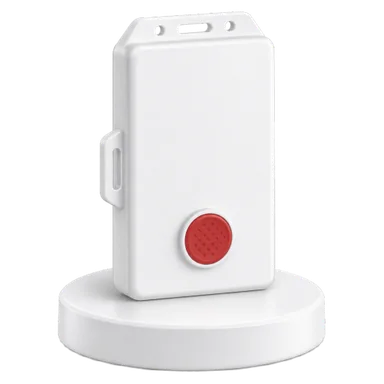
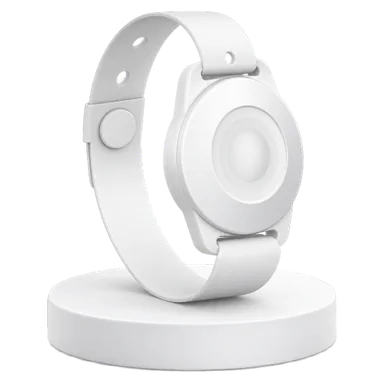
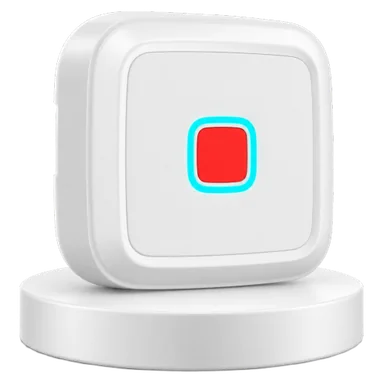
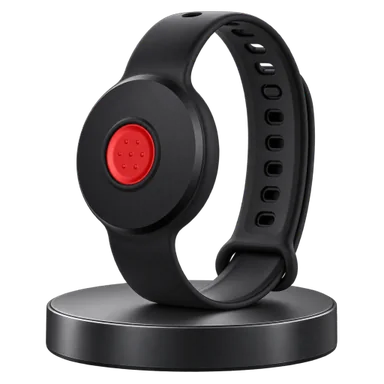
A panic button on the staff badge, a wristband or the wall. The alert appears within one to two seconds, with the exact room, for the people who need to see it.
Press
An alert opens with the place, a sound plays in every open browser, and e-mail and SMS go out as configured. Another press is added to the same alert.
Handled
Whoever takes the alert is marked on it, and the caller’s tag blinks or vibrates so they know help is coming.
Handover
Pass it to a team or a team member, with a snapshot of everything that happened so far.
Closed
Every step is kept in the alert’s log with the time and who did it. Alerts are never deleted.
A patient left the ward? You know at once
Every patient is assigned to a ward. A patient who should not leave and does raises an alert with the place they were last heard, so someone can reach them quickly.
Private by default
A person’s location is shown only to those allowed to see it: ward staff see their own patients, and staff locations are shown only to users given that permission. Every view of a person’s location is recorded in the log.
Equipment that passed through a contaminated room does not reach the next patient
Mark rooms and areas by contamination level. ATLAS counts how long each item stayed in them and alerts when it needs disinfecting. Disinfection is recorded from the item’s card, or by itself when the item enters a disinfection station.
- Contamination levels
- Per room or area; a room inherits the level of the area it is in.
- Accumulated exposure
- How many minutes the item spent at each level, until it is disinfected.
- Disinfection station
- An item that stays in the disinfection room for the set time is recorded as disinfected and its alert closes.
A tag for every need
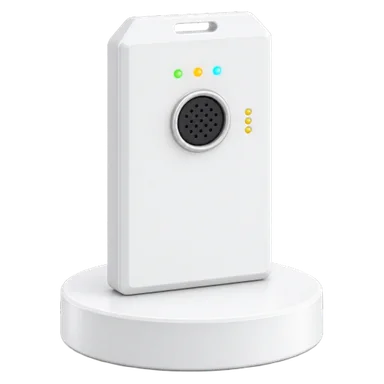
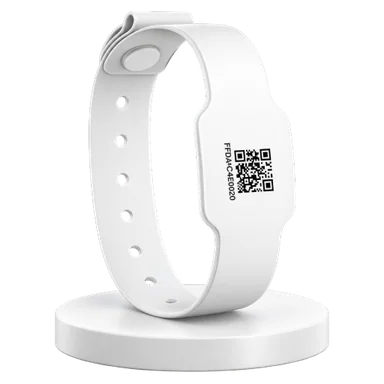
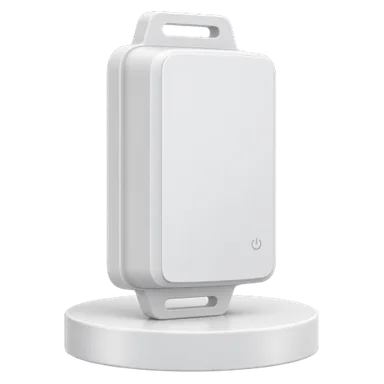
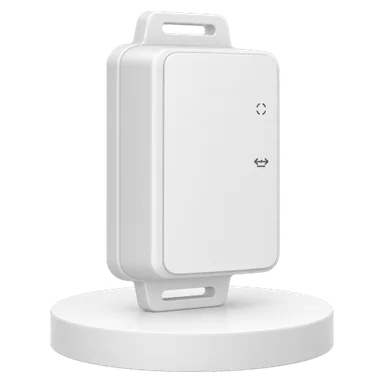
Tags for equipment, staff and patients, and floor controllers on the ceiling over Wi-Fi or Ethernet. Some tags can also blink, beep or vibrate on a command from ATLAS.
Installation does not stop a ward
The installer app works without internet and sets up controllers and tags by scanning.
Scan the organization codes
The controller gets the Wi-Fi network and the server connection, and appears in ATLAS with its template’s settings.
Scan the tag labels
Up to ten tags per run, from a template: name, report interval, buttons and the organization’s password.
Pair tags with equipment
Choose an equipment type and a tag, and import into ATLAS. The item and its tag are created together, linked.
Built for hospitals
ATLAS is installed inside the hospital and works by its rules.
- Installed on your site
- On a hospital server, even on a closed network without internet. Or in our cloud, if you prefer.
- Signed updates
- A digitally signed update file is installed from the interface, with a backup first and an automatic return to the previous version if anything fails.
- Permissions and audit log
- Roles and permissions, sign-in with the organization’s account (Active Directory), and a full log of who did what.
- Alerts on every channel
- On screen and with sound, by e-mail and SMS, and a command to the tag itself: LED, buzzer or vibration.
- Ward dashboard
- A simple screen for ward staff: a big search box and the ward’s own alerts.
- Reports
- Location history, time per area, alert handling times, heat map, contaminated equipment and maintenance. Export to CSV.
- Connects to other systems
- An API and webhooks, so other hospital systems receive locations and alerts.
- Hebrew and English
- Right to left and left to right. Every user works in their own language.
Want to see it on your own floor plan?
We will show you ATLAS with real tags and controllers, and choose a ward for a pilot together.
Or write to us: info@topsense.net